Testing a Real Product with agent-browser
How I built end-to-end smoke tests with agent-browser, and how AI agents now explore our app and write the test cases for us.
Mushfikunnabi Nijhum · · 8 min read
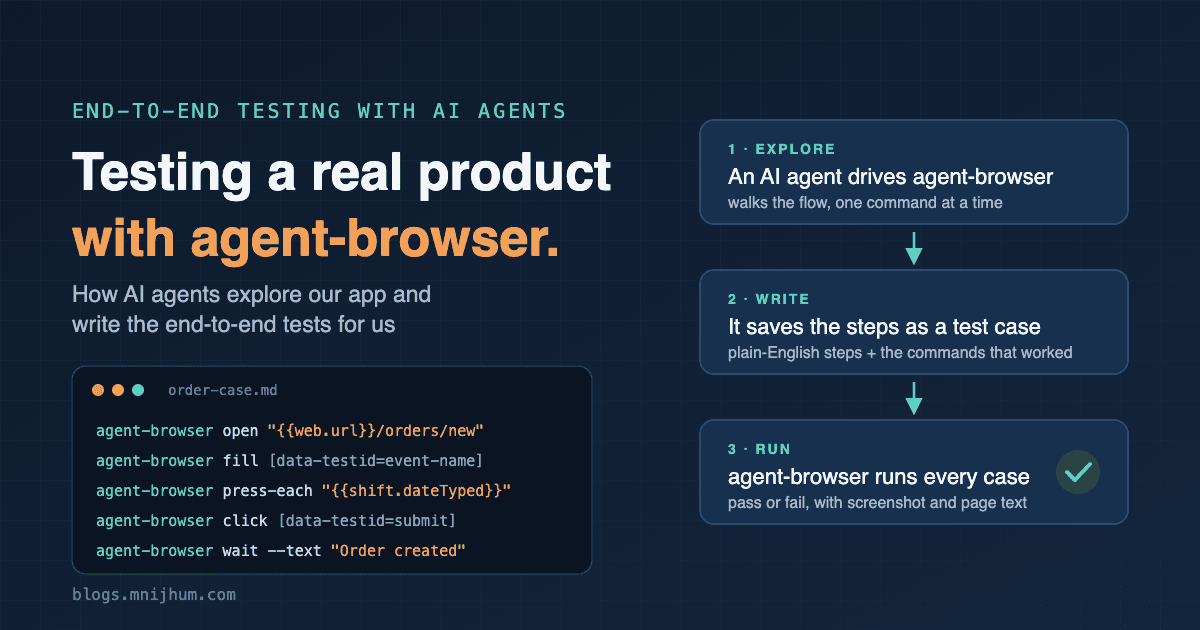
I work on the development of a workforce staffing platform where three kinds of people meet: vendors who supply staff, clients who order staff, and workers who do the shifts. One change can break a path that crosses all three. A vendor sets a price, a client places an order, a worker clocks in, and an invoice comes out at the end. For a long time the only way to know that path still worked was to click through it by hand.
I built a smoke test suite on agent-browser, and we let AI agents write the test cases. This post shows how it works, and what we learned.
Why agent-browser
agent-browser is a browser automation CLI made for AI agents. Every action is one shell command:
agent-browser --session vendor open "https://example.test/login"
agent-browser --session vendor fill "[data-testid=login-email-input]" "[email protected]"
agent-browser --session vendor click "[data-testid=login-submit-button]"
agent-browser --session vendor wait --text "Vendor workspace ready"
Three things made it the right tool:
- An agent and a test speak the same language. When an AI agent explores the app, it uses these commands. When it finds the path that works, those commands are the test, with nothing to translate into a test framework.
- Sessions per role.
--session vendorand--session clientare separate browsers, so a vendor and a client can both be signed in during one test run, just as in real life. - Easy to read. Anyone on the team can read a test and see exactly what it does, because every line is a plain action: open, fill, click, wait.
A test case is a Markdown file
Each case lives in its own Markdown file, written for two readers at once: a person, and the runner.
---
depends_on: [setup]
lane: web
role: vendor
---
# Vendor logs in and the dashboard loads

## Steps
1. Open the login page. The Vendor workspace is selected by default.
2. Enter the vendor's email and password, then click Sign In to Workspace.

## Pass when
- The message "Vendor workspace ready" shows.
- The vendor dashboard opens with its overview metrics.

## Commands
```sh
agent-browser --session vendor open "{{web.url}}/login"
agent-browser --session vendor fill "[data-testid=login-email-input]" "{{vendor.email}}"
agent-browser --session vendor fill "[data-testid=login-password-input]" "{{vendor.password}}"
agent-browser --session vendor click "[data-testid=login-submit-button]"
agent-browser --session vendor wait --text "Vendor workspace ready"
```
- The header tells the runner which cases must pass first (
depends_on), which browser session to use (role), and whether the case runs in a browser, as a script, or on a phone (lane). - Steps and Pass when are plain English. A product manager can read them, and so can the next agent that works on the case.
- Commands are the agent-browser steps the runner executes.
- Values like
{{vendor.email}}come from the run, never from the case. Each run creates its own fresh data, so no two runs share anything.
How an AI agent writes a case
The agent follows a rules file, AGENTS.md, that sits next to the cases. Any coding
agent reads it before writing a case: Claude, Codex, Cursor or another. The important
rules:
- Find elements only by
data-testid. Never by label, text, position or a snapshot reference. Labels change when someone edits the copy; adata-testiddoesn't. If a button has none, the agent adds one to the product code in the same pull request. - Act like a user. Click buttons. Don't press Enter to skip a form, and don't run JavaScript to get around a control. The test must prove what a person can actually do.
- One case checks one thing.
- End with a check that matches "Pass when", so a case can't pass by doing nothing.
The agent then works like a careful tester with agent-browser in hand:
- It opens the app and walks through the flow, one command at a time.
- It reads the page after each step, and adjusts when something doesn't behave as expected.
- When the whole flow works, it writes the case file: the plain-English steps, the "Pass when" checks, and the commands that worked.
- It runs the case on its own, together with the cases it depends on, and then in the full suite.
A checker runs in our local quality gate. It fails on a duplicate case, a missing
dependency, a dependency loop, or a selector that isn't a data-testid. The rules
are enforced, not just written down.
How a run works
One command runs the whole suite:
- Setup creates a new vendor, a new client and their logins, all marked as belonging to that run.
- The runner reads every case, orders them by
depends_on, and plays each agent-browser command. Any command that acts on an element is retried for up to 10 seconds, so a slow page or a dropdown still loading isn't a failure. - Cleanup deletes everything the run created, even when a case fails.
- A report is written for the run: a summary, an HTML report, and for each failed case a screenshot plus the page text at the moment it failed.
The page text turned out to be the most useful piece of evidence. A validation message or the exact label of a dropdown option is right there, and the screenshot often cuts it off. It's also exactly what an agent needs when it investigates a failure.
Nothing a run creates may survive it
Cleanup does not trust itself. After deleting the run's data it asks the database for every table that records which company a row belongs to, and counts the rows still belonging to the run. If any are left, the run fails and names the table.
Why ask the database instead of keeping a list? Because nobody remembers to update a list. When a new feature adds a new table, the first test that writes to it without cleaning up is caught on its first run, instead of quietly filling up the shared test environment.
What agent-browser taught us about real browsers
Every failure on the first day was the test's fault, not the product's. Each one taught us something about how a real browser behaves:
fillsilently does nothing on date and time fields. A date field has several parts (month, day, year) and ignores a value written into it all at once. We proved it with a scratch HTML page:fillon a text field gave"hello", and on a date field it gave"". The only thing that worked was focusing the field and pressing each key, as a person does. So we added a command for it,press-each, which sends one key at a time.- A dropdown's value is not its label. The role list showed "E2E Server — $40.00/hr", but the value behind each option was an internal code. Choosing by name failed without an error message. The case now picks the role by that code, which setup records for the run.
- A form had a step nobody mentioned. The order form has four steps, and the first version of the case had only clicked through three.
- Business rules apply to tests too. A shift must be at least five hours long, and can't start in the past. So setup works out a start time half an hour ahead, in the site's own time zone.
- Data has to be set up in the right order. A client only sees a role after the vendor has priced it on a rate card and assigned that card to the client. That became two cases of its own, before the order case can pass.
This led to the most important rule in the file, for people and agents alike:
When a case fails, find out why it failed. Do not make it pass.
A failure means one of two things: the case is wrong, or the product is wrong. Only a person decides which. Changing the case is always the easier path, so it is the one to be suspicious of. A case quietly edited around a real bug removes exactly the warning it was written to give.
Phones too
The same idea covers the mobile apps. There, the cases are Appium specs, and each one
describes itself at the top in the same shape as a web case: a title, why it exists,
the steps, and "Pass when". Widgets are found by keys, the mobile equivalent of
data-testid.
What I would tell another team
- Give your agents a browser they can drive from the command line. With agent-browser, what an agent tries while exploring becomes the test itself.
- Make the test file readable by people. The plain-English steps are what let a human judge whether a failure is the product's fault or the test's.
- Put the rules in a file next to the tests, and check them with a script. Rules that are only written down get ignored; rules that fail a check don't.
- Give every run its own data, and prove it cleaned up. Shared test data is where flaky tests come from.
- Keep the evidence. A screenshot and the page text save more time than any clever retry logic, for people and for agents.
Was this useful? A like tells me what to write more of.
Related posts
· 11 min read · 25 reads · ♥ 3
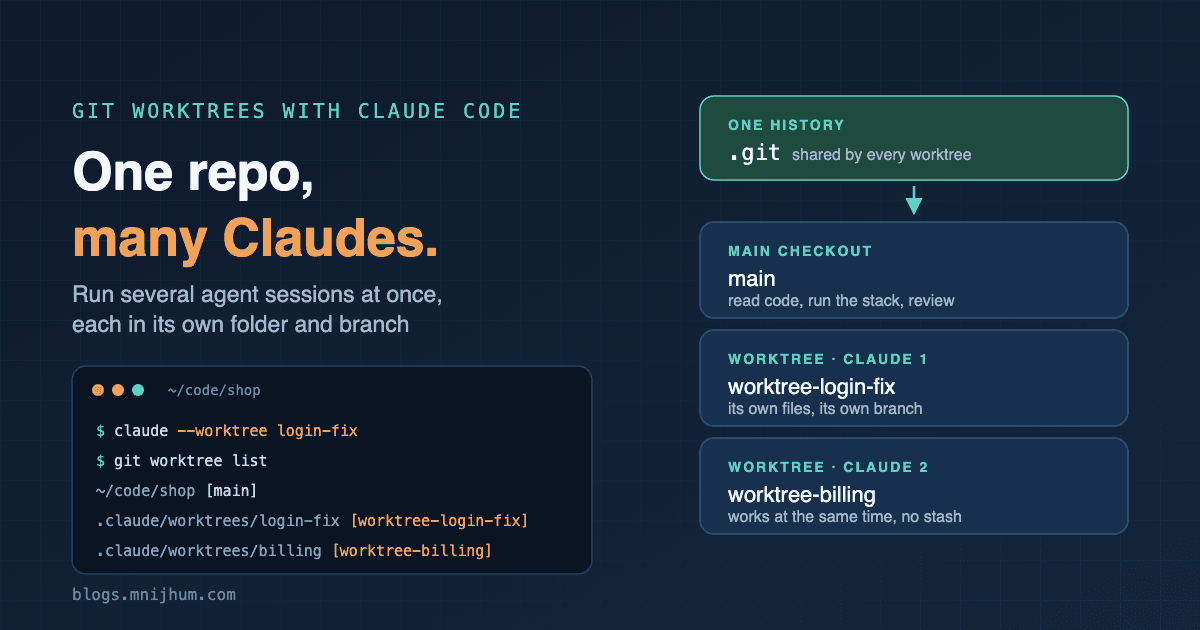
One repo, many Claudes: git worktrees with Claude Code
How I run several Claude Code sessions on one repo, each on its own branch, with git worktrees: plain git, the built-in --worktree flag, and what bites.
Comments (0)